The app is accessible on IOS and Android devices at the following links:
Google Play Store: Download Here
Apple App Store: Download Here
If your region doesn't allow for the application to be downloaded please refer to below:
Apple Region Change Link: Here
Google Play Region Change Link: Here
If you're unable to download the application entirely, you'll be able to login to the web browser through this link: Here
Here's a quick guide on how to use the app as well:
- Login to the app
- Now sign in with your William Woods Credentials
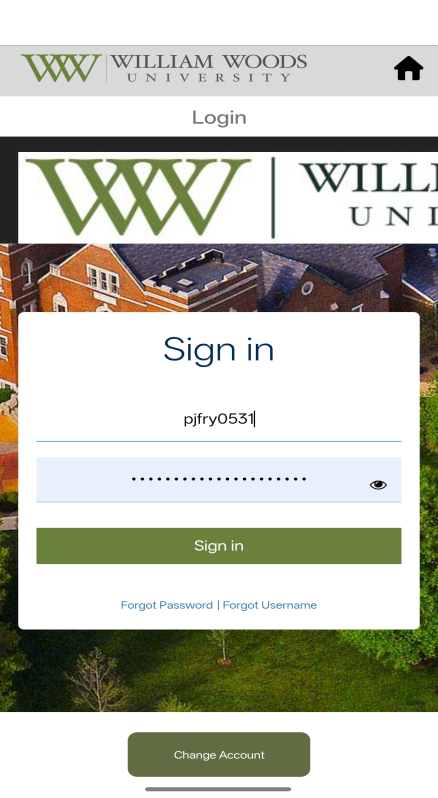
- If you see the following login, click above the prompt or choose the home button at the top right
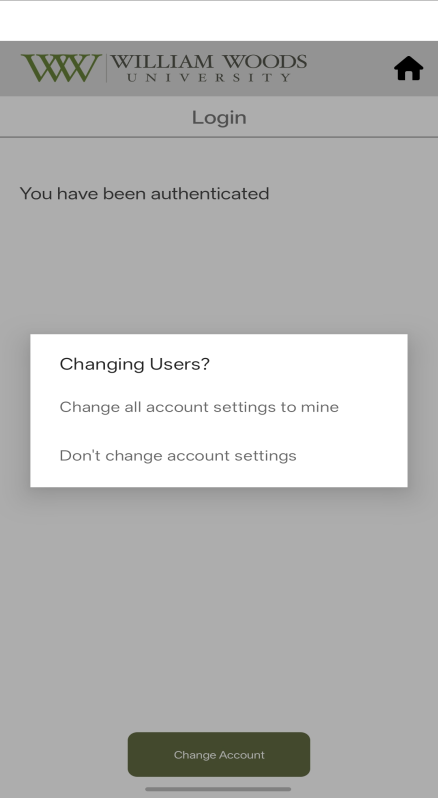
- Once you've successfully logged into the app, you'll see the following buttons
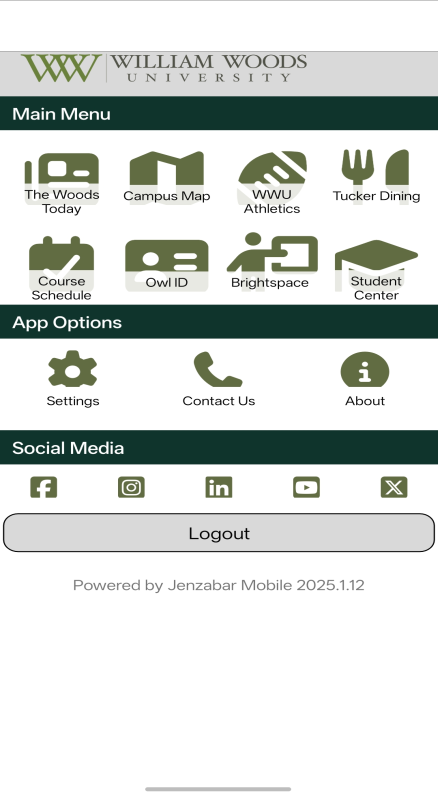
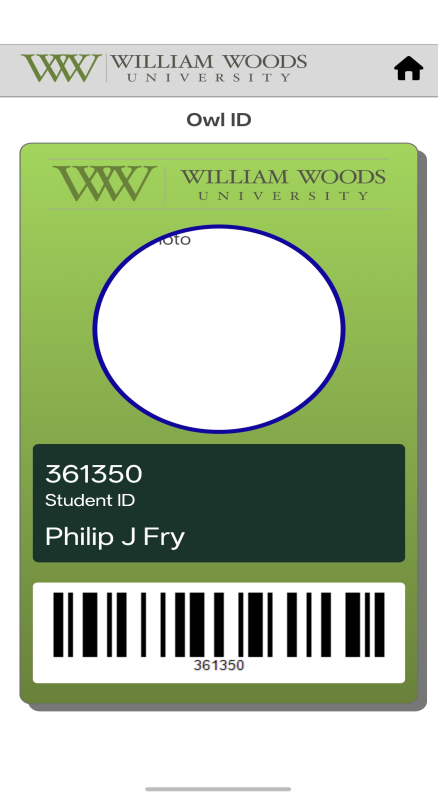
- To view your student ID, you'll need to select "Owl ID"
- To view your schedule for the current semester, select "Course Schedule"
- You can access Brightspace through this menu as well
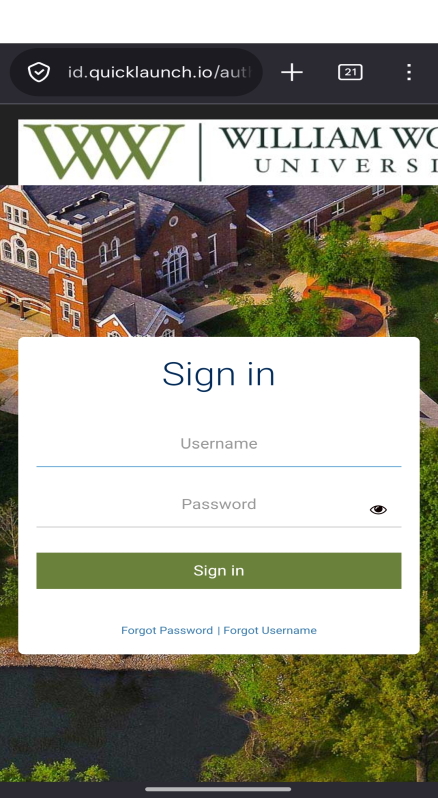
- You'll use your login credentials, that are used for Quicklaunch, after successful login you'll see the following screen
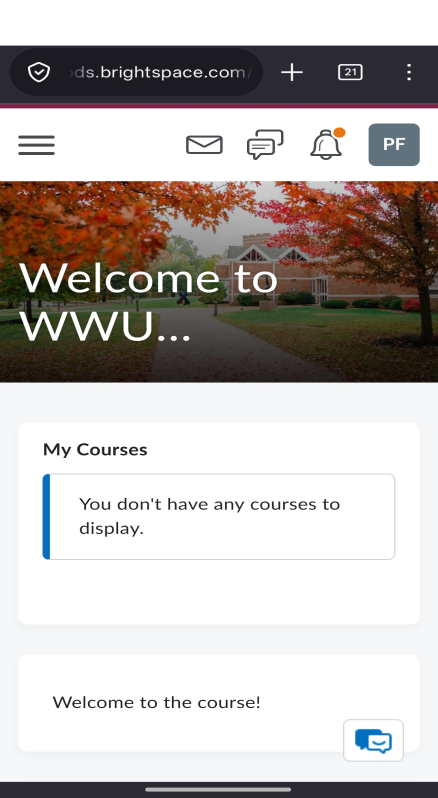
- To view your lead points and the lead calendar, select "Student Center"
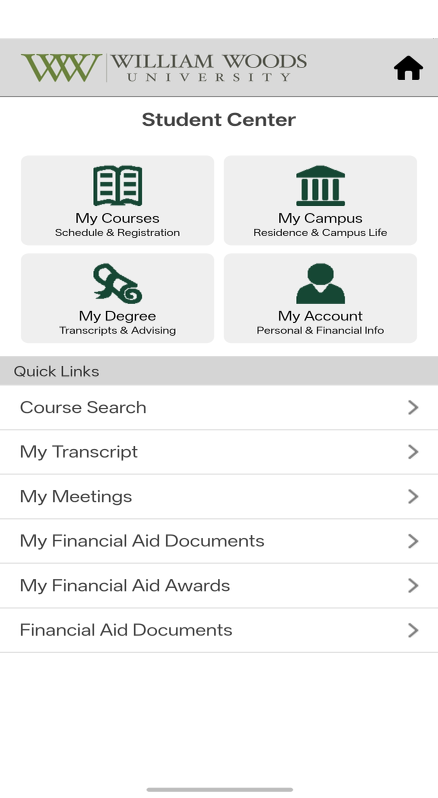
- Now Choose "My Campus"
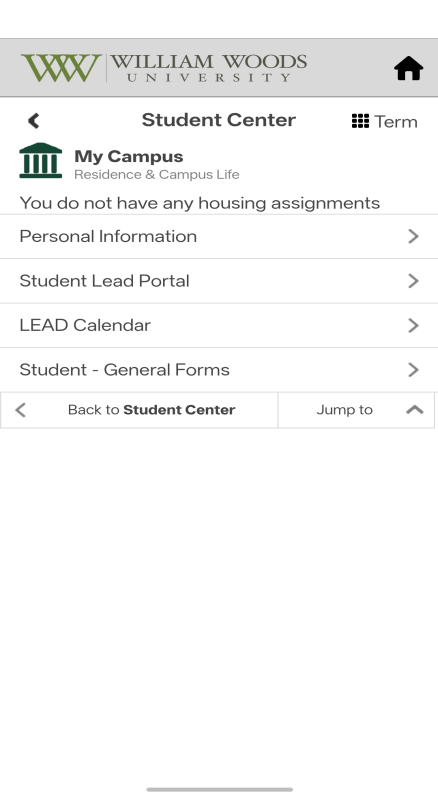
- Choose "Lead Calendar" to view the upcoming Lead events
- Choose Student Lead Portal to view your total Lead points
- If you have any issues, select "Contact Us" from the home page
1. 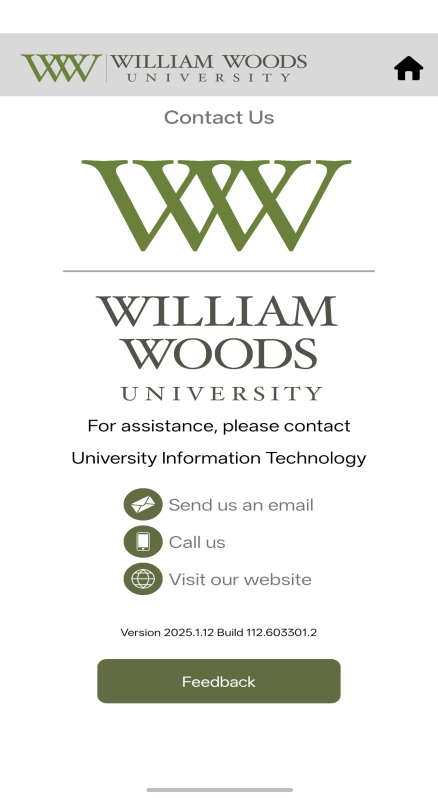
"Call us" will direct you to our main mobile line: 573.642.2251
"Send us an email" will direct you to our helpdesk email: helpdesk@williamwoods.edu